
FindMyMate was built because a big night always ends with someone gone missing, a phone nobody can hear ring, and the rest of the crew walking laps looking for them.
It isn’t out yet. Leave your email and we’ll tell you when it is.
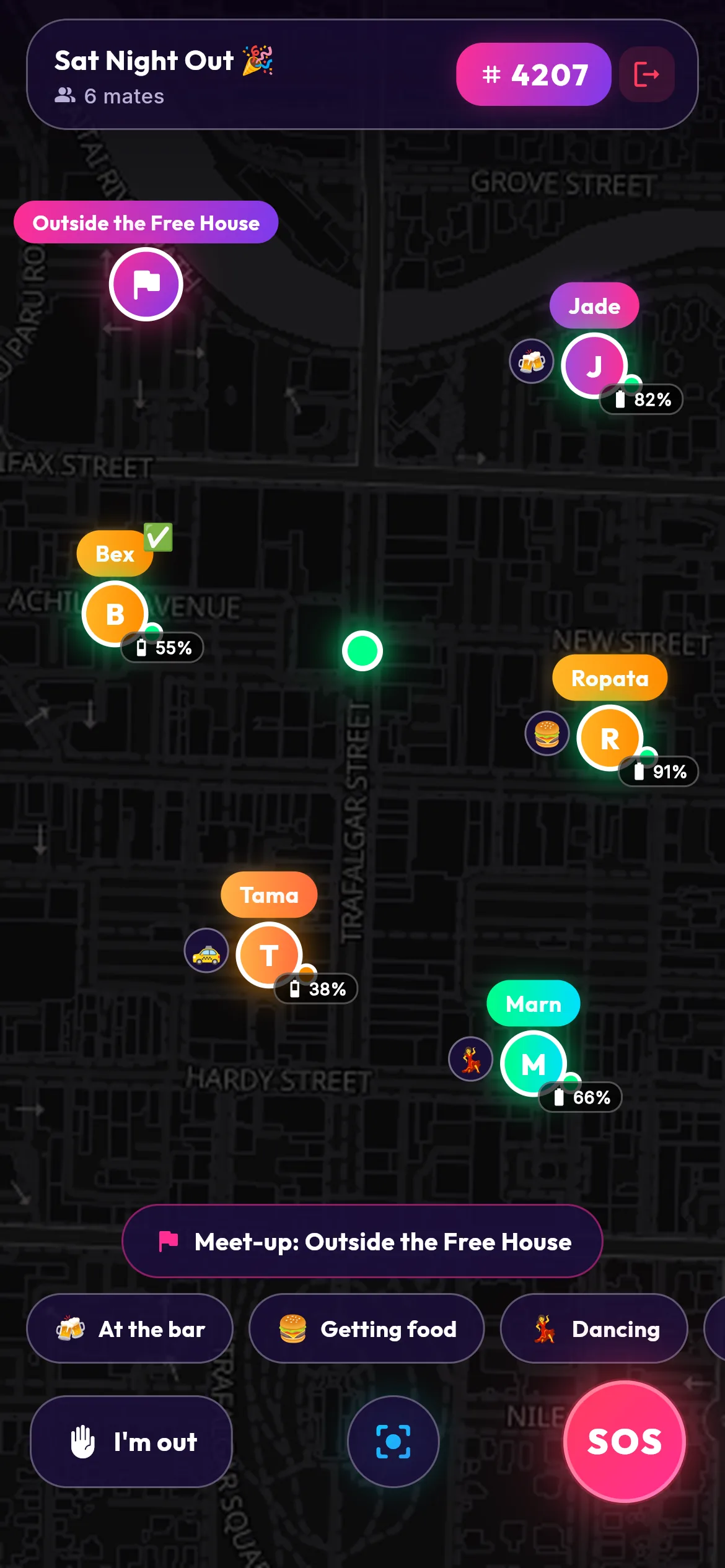
Everyone on one map
Start a session and you get a four-digit code. Your mates type it in and they’re on the map with you, with their name and how much battery they’ve got left. The code sits at the top of the screen so you can read it out over the music.
You pick how long it runs: 2, 4, 8, 12 or 24 hours. When it ends, the session and everyone’s locations are deleted within the hour. No history is kept.
Point me at Jade
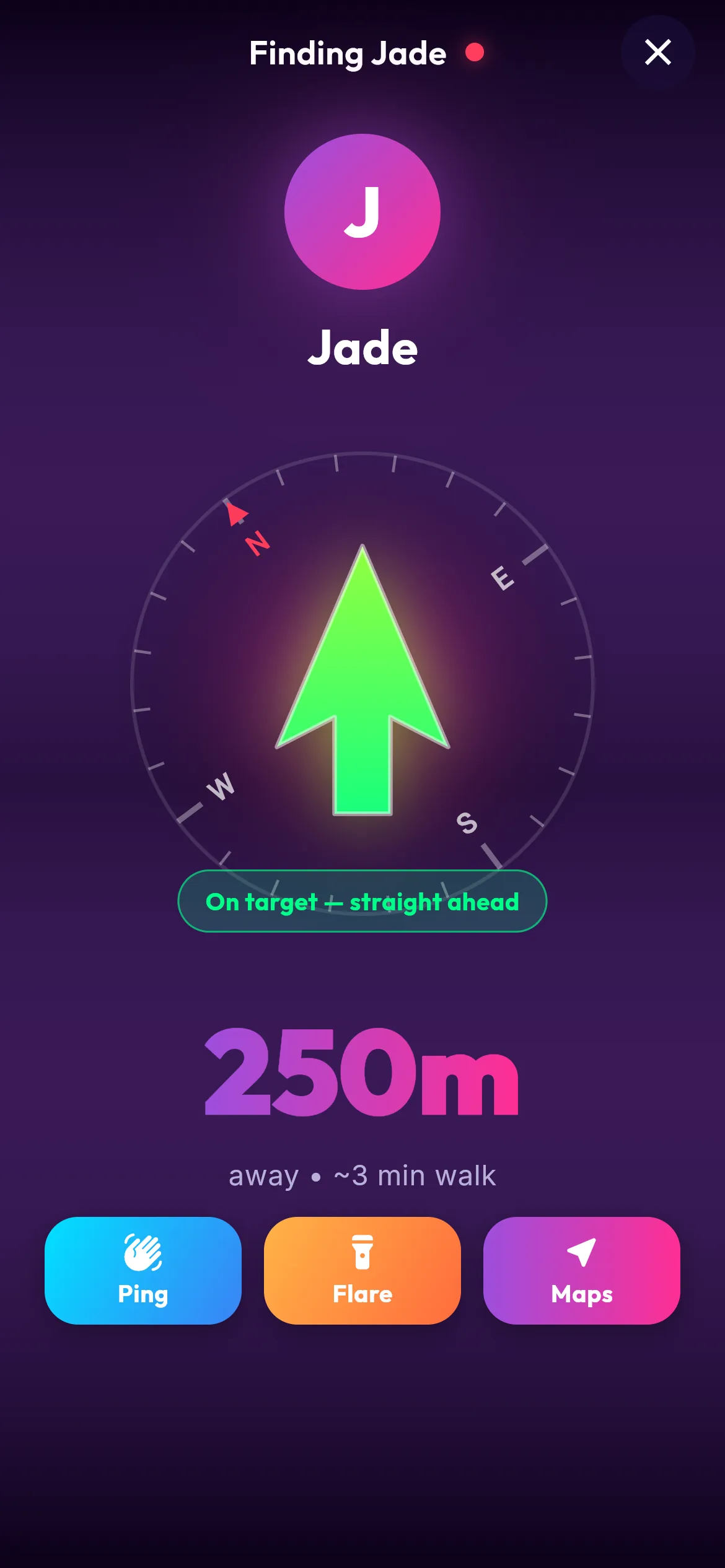
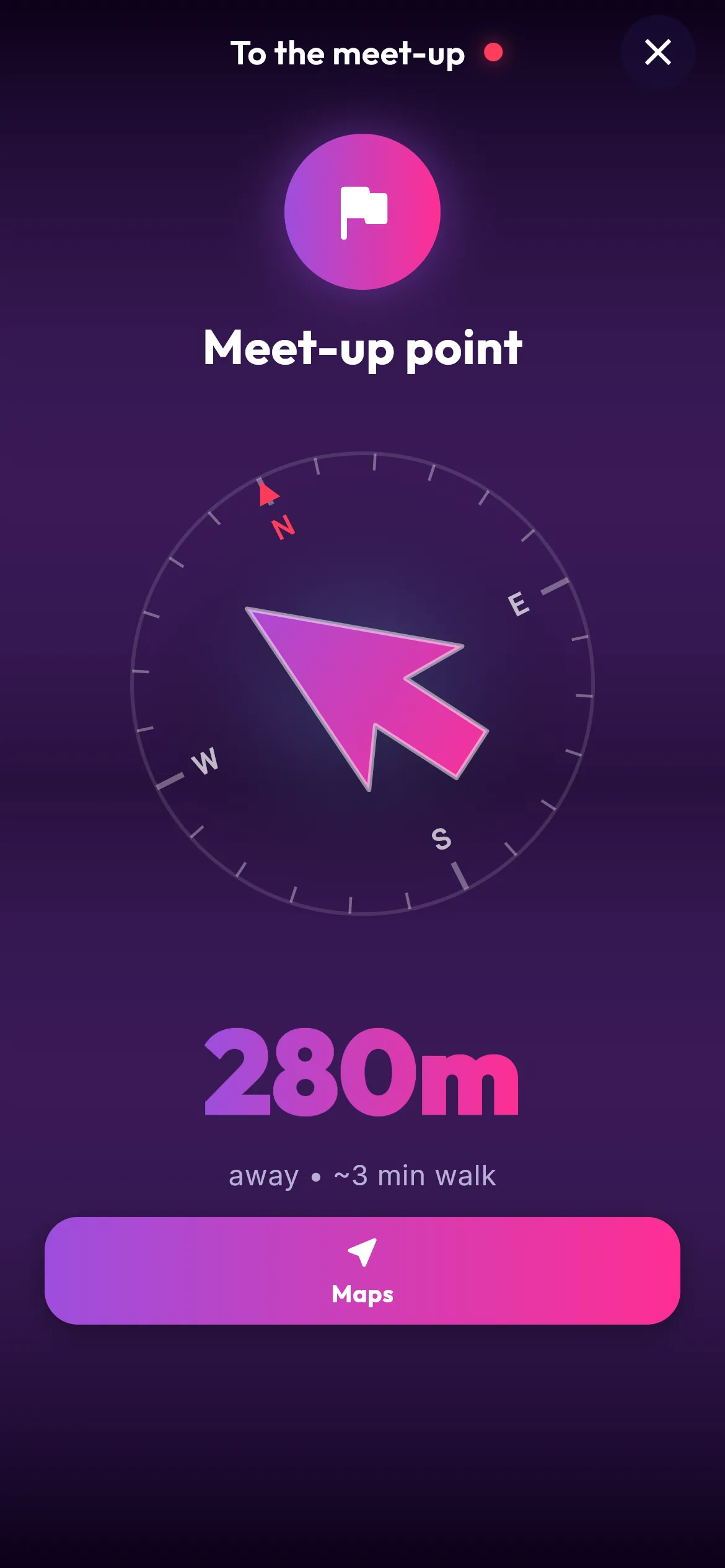
Tap a mate and the screen turns into a compass. A big arrow points at them, with how far away they are and roughly how long it takes to walk there.
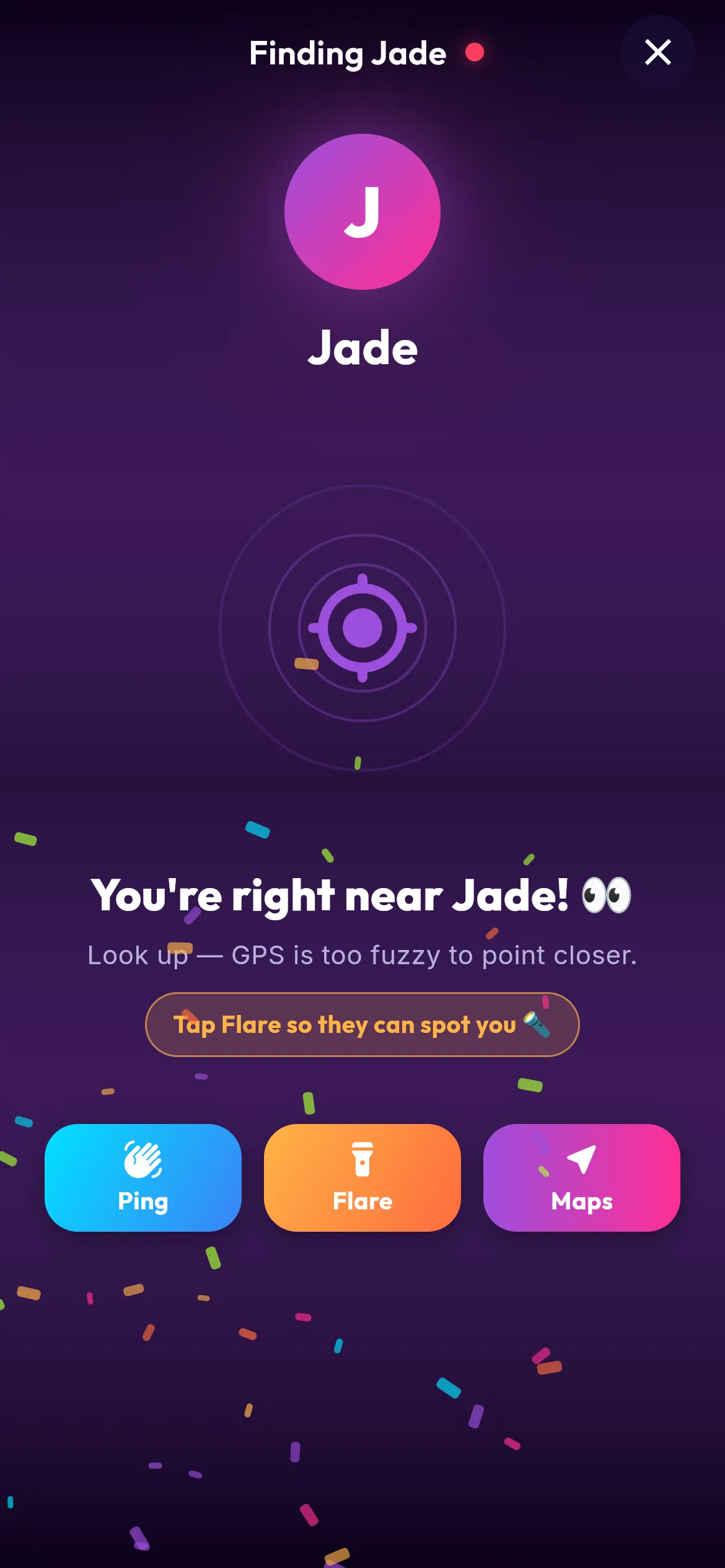
When you’re right on top of each other and the GPS can’t get any closer, it tells you so. Look up. Or tap Maps and walk it with your normal maps app.
Ping them. They hold up a flare.
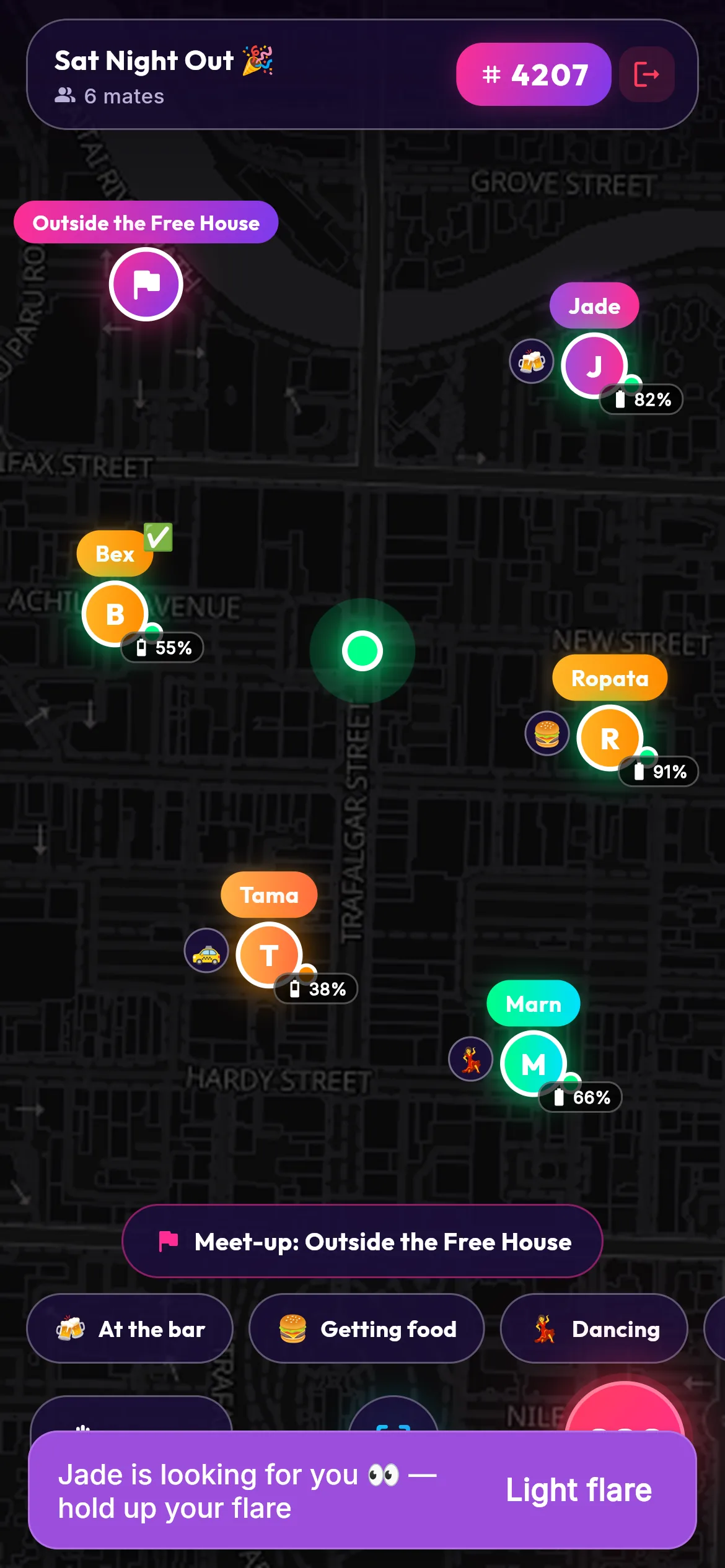
Can’t see them in the crowd? Send a ping. Their phone tells them you’re looking for them.
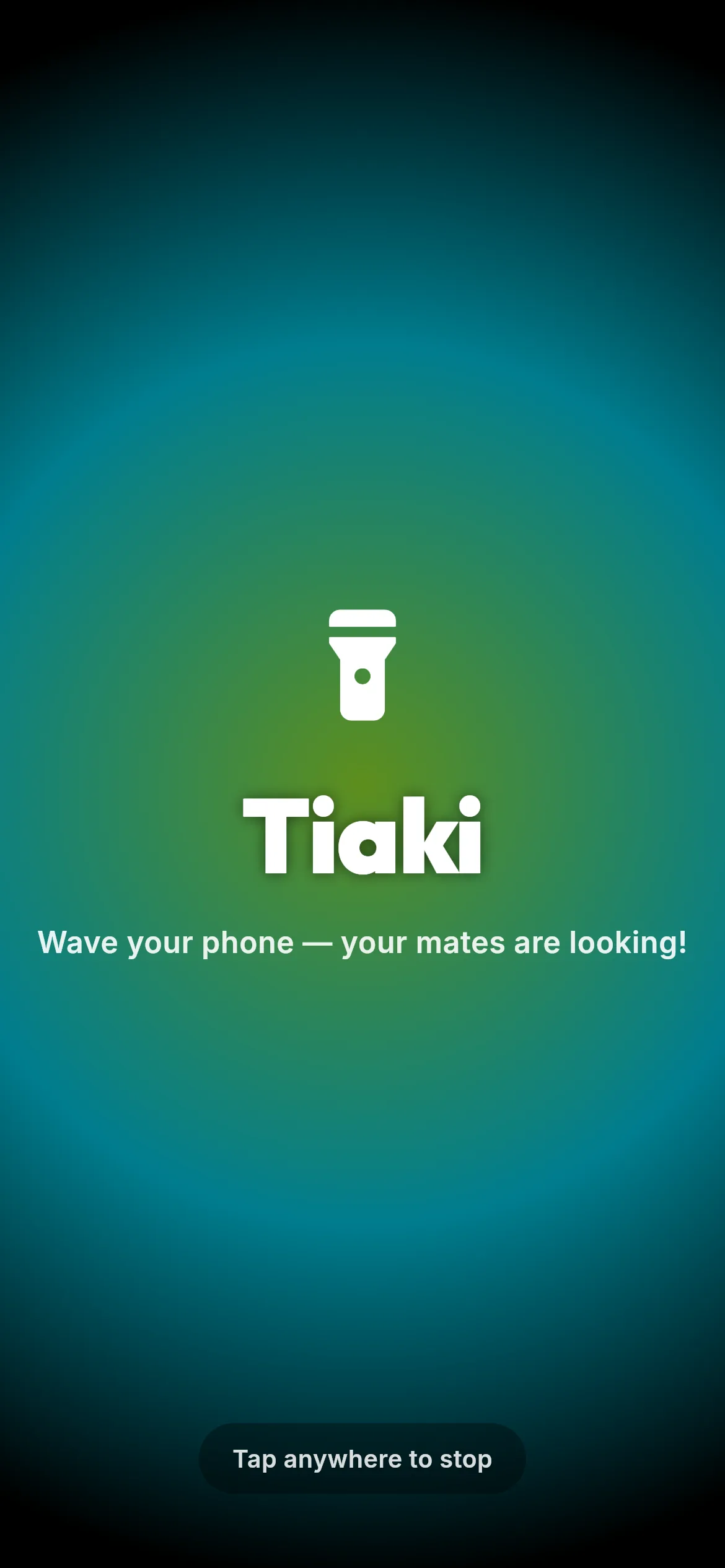
They tap Light flare and their whole screen goes bright with their name on it, to hold up over everyone’s heads.
Meet at one spot
Drop a meet-up pin and give it a name, like “Outside the Free House”. Everyone sees it on the map, and the same arrow walks you there.
Who’s gone home
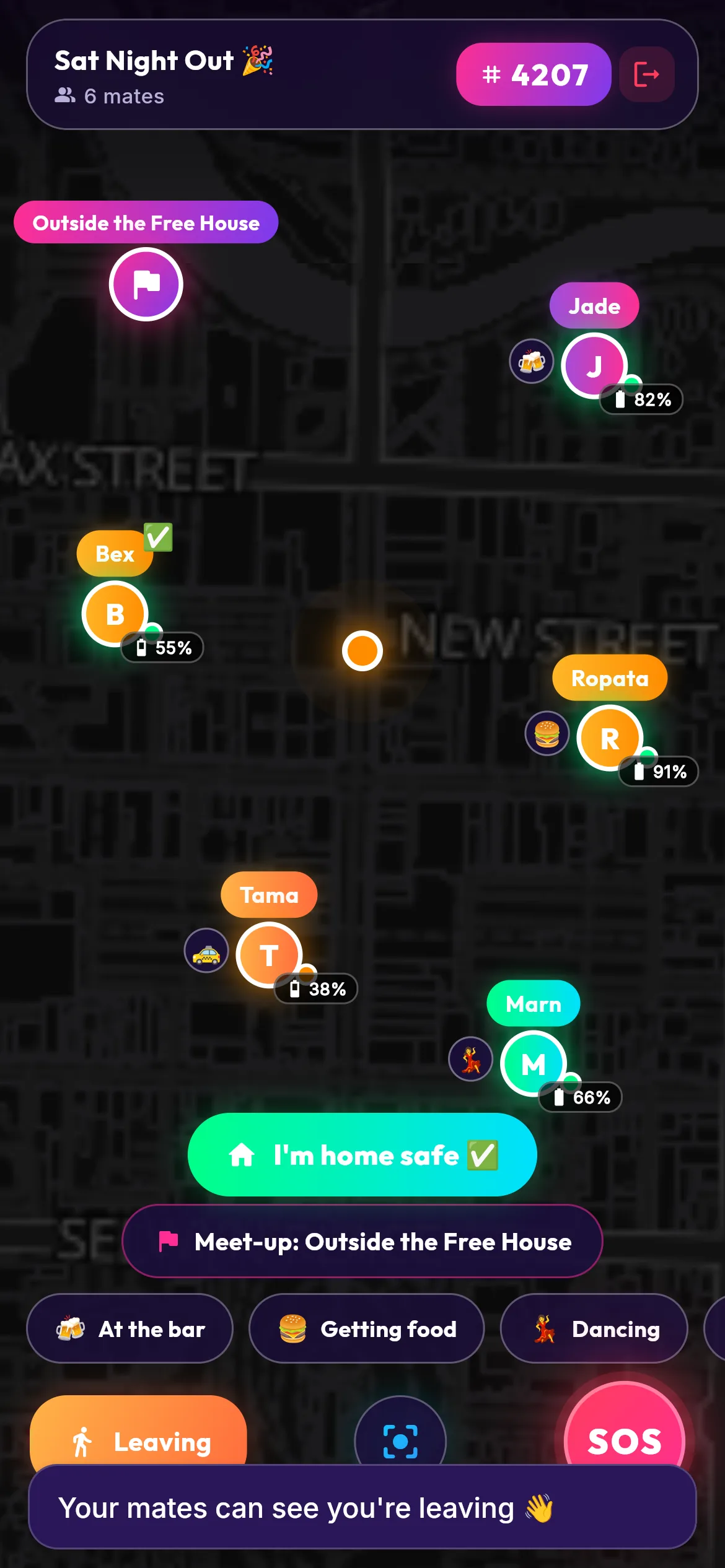
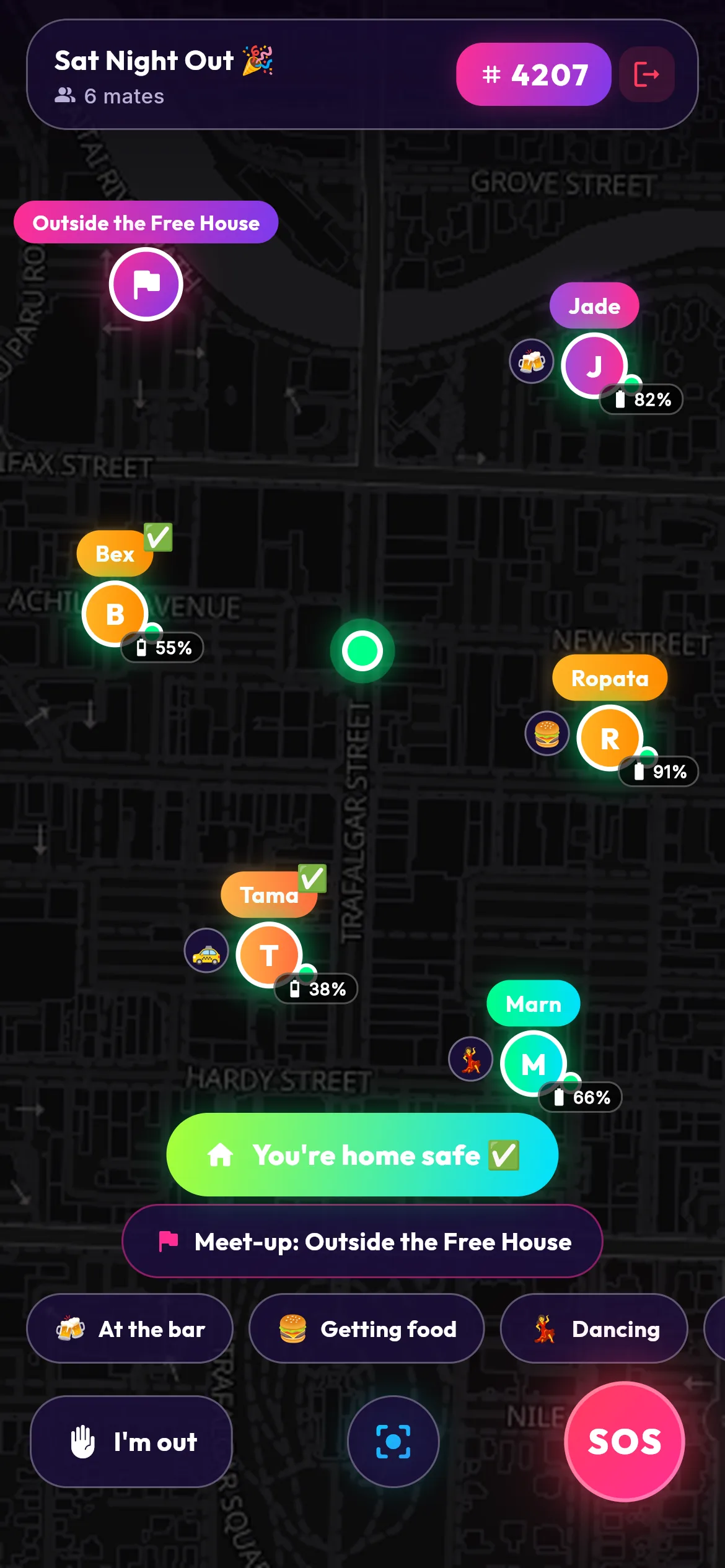
Tap I’m out when you leave and the crew can see you’re on your way. When you’re in the door, tap I’m home safe and a tick goes up next to your name.
When the last one’s home, everyone gets told.
SOS
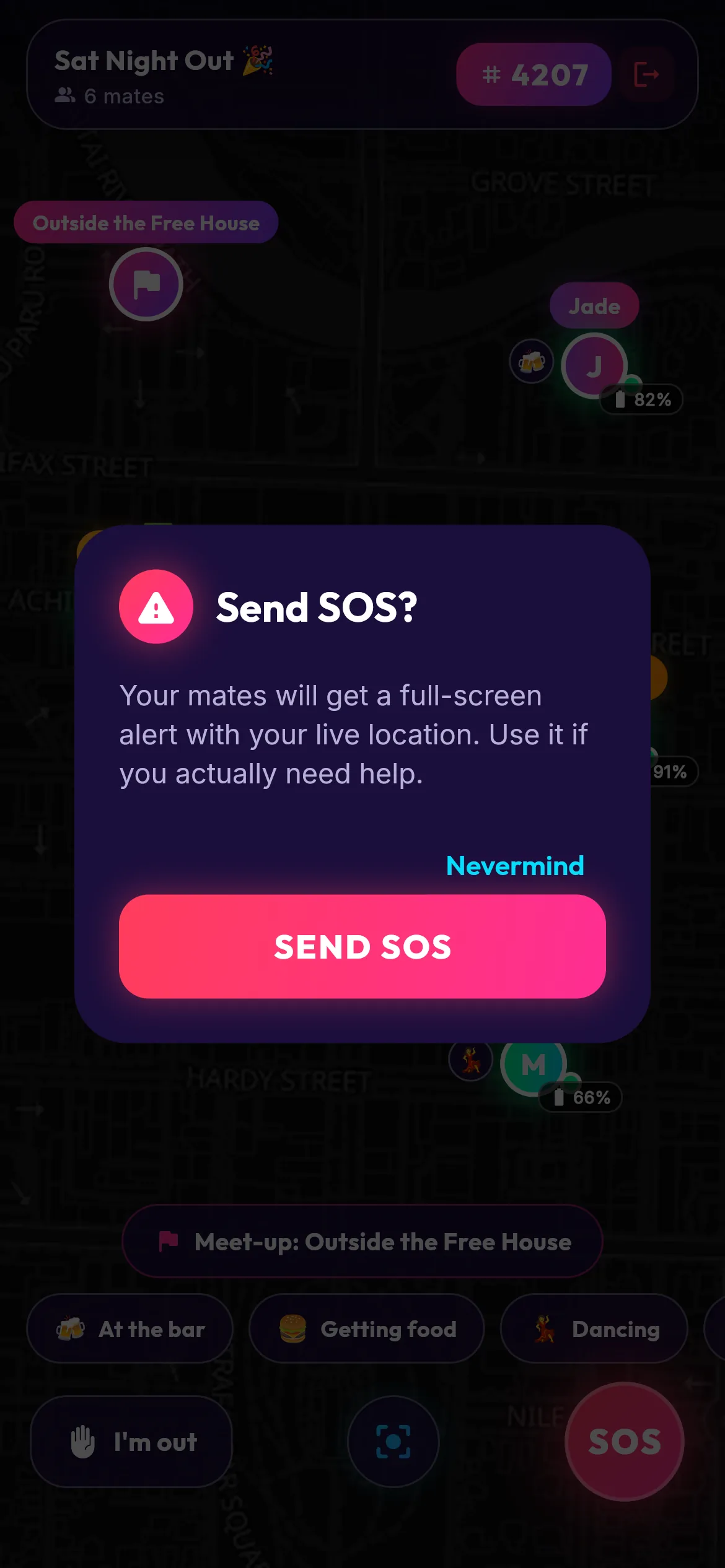
If something’s wrong, press SOS. It asks once first, so a bump in your pocket doesn’t set it off.
Then your mates get an alert with where you are, and a button to get directions to you.
Not out yet
FindMyMate isn’t in the app stores yet. Leave your email and we’ll tell you when it is.